7 Great Video Testimonial Examples for 2026
Seven video testimonial examples worth learning from, what makes each one work, and how to capture videos like them from your customers.
In this article
Are your text reviews getting seen but not felt? That's the gap many overlook. Written testimonials can prove that customers like you, but they rarely communicate conviction the way a face, voice, and specific story can. A buyer watching someone describe the problem they had, why they hesitated, and what changed after using your product gets context that a five-star quote can't carry on its own.
That difference matters because trust is usually built in the last stretch of the buying decision, not the first. Video helps buyers assess tone, confidence, and credibility in seconds. It also gives marketing teams more to work with: homepage proof, paid social cuts, sales enablement clips, and case-study material from a single asset. According to video testimonial statistics compiled by Testimonial Star, video testimonials deliver a median conversion rate improvement of 34% based on 8,500 A/B tests conducted between 2024 and 2025, with a median ROI of 312% and customer trust ratings reaching 89%.
The best video testimonial examples don't just look polished. They make the buyer think, “That customer sounds like me.” Below are seven strong places to study examples, plus the strategic reason each format works and a mini-template you can borrow right away.
1. ZenX Testimonials
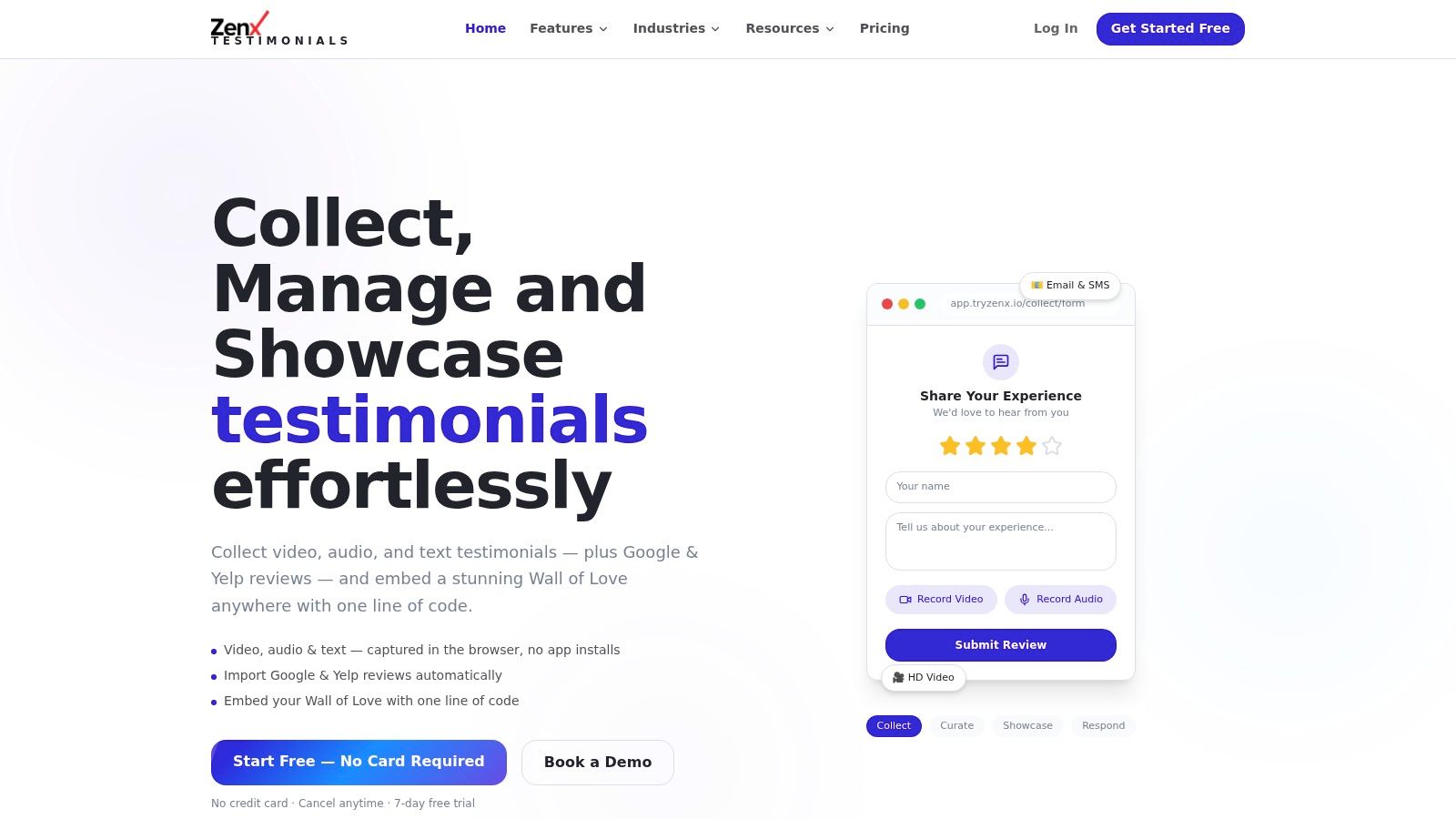
What if the primary bottleneck is not finding strong video testimonial examples, but getting customers to record one?
ZenX Testimonials fits teams that already understand why video works and need a system for collecting, sorting, and publishing it. ZenX is built to collect, organize, and publish testimonials without creating friction for your customers or web team.
Its strongest feature is the capture flow. Customers can record HD video in the browser without installing an app or creating a login. If video feels like too much effort, they can submit audio instead. That trade-off matters in practice. A slightly simpler prompt and a lower-effort recording option usually gets more responses than insisting every customer send a polished talking-head clip.
ZenX also fixes a common operational problem. Marketing teams often have Google reviews in one tool, video files in cloud storage, screenshots buried in Slack, and no reliable way to publish proof across the site. ZenX brings video, audio, text, and imported Google and Yelp reviews into one searchable library, then publishes them with a one-line embed. If you also want examples of how brands turn that proof into promotion, this roundup of testimonial advertising examples is a useful companion.
A practical starting point is its video testimonial collection workflow, especially if your team wants a branded request page instead of emailing customers vague instructions and hoping for a usable clip.
Why this format works
ZenX works well because it supports the full workflow, not just the final display.
- Collection is easier: Browser recording removes the setup steps that cause drop-off.
- Publishing is faster: Grid, carousel, and masonry embeds give marketing teams a quick way to place proof on pricing pages, landing pages, and homepages.
- Management stays organized: Tags, filters, moderation tools, and exports keep testimonial ops out of spreadsheets.
- One asset can become several: AI theme extraction, quote pulls, and case study drafting help teams turn a single customer story into multiple formats.
Practical rule: If a customer has to install software, create an account, or figure out file sharing, submission rates usually fall.
ZenX includes details teams usually discover late in the rollout. SEO-friendly markup helps testimonial pages show up cleanly on your site, and human support is available when setup gets stuck. That is especially useful for lean teams that need to launch quickly and do not have a developer assigned to social proof infrastructure.
Mini-template to copy
Use this five-part prompt in your request form:
- Who are you: Name, company, role
- What was happening before: The problem or frustration
- Why you chose this product: What made you try it
- What changed: Specific outcome, workflow improvement, or business impact
- Who you'd recommend it to: The best-fit buyer in one sentence
That structure works because it gives the customer a story arc without making the response feel scripted. It also gives your team cleaner raw material for homepage edits, paid social cuts, sales follow-up clips, and longer case studies.
The trade-off is straightforward. ZenX says it is free to start and offers a no-card-required 7-day trial, but full subscription pricing is not fully transparent upfront. AI moderation and workflow help also still need human review if your team handles consent, brand guidelines, or regulated customer stories.
2. Vidico
If you want a fast study session instead of a giant swipe file, Vidico is a good pick. Its roundup is curated, which means you spend less time digging through weak examples and more time noticing useful creative decisions like pacing, b-roll use, and how the customer frames the problem.
This is especially helpful when your team is debating format. A lot of testimonial projects get stuck on production questions that should be answered by intent. Should it be interview-led, voiceover-heavy, or built like a mini case study? Vidico's examples make those differences easy to compare.
What to study in these examples
The best use of Vidico is not “pick your favorite video.” It's “steal the structure.”
- Opening hook: How quickly does the customer state the problem?
- Visual support: Are there product shots, workplace scenes, or on-screen captions carrying context?
- Story density: Does the clip move from pain to outcome without meandering?
- Edit rhythm: Does the pacing help attention, or does it feel overproduced?
For teams building ads or sales-page proof, it also pairs well with broader testimonial advertising examples because the strongest testimonial clips often become ad creative with only minor edits.
Short commentary is Vidico's strength. You don't get buried in theory, which makes it easier to turn examples into an actual script brief.
Mini-template to copy
Use this when you need a polished but accessible talking-head testimonial:
- Customer introduces themselves in one line.
- They name the problem in plain language.
- They explain why prior options fell short.
- They describe the turning point with your product.
- They end with one concrete benefit and one recommendation.
The main trade-off is relevance filtering. Vidico includes a healthy mix of B2B and B2C work, but it isn't organized specifically for SaaS buyers. If you sell to technical or enterprise audiences, you'll need to manually sort for examples that match your sales cycle.
3. Content Beta
Content Beta is one of the better resources for B2B and SaaS teams because it doesn't treat all testimonial videos as interchangeable. That's the right lens. A homepage social-proof clip, a retargeting ad, and a bottom-of-funnel customer story should not be scripted the same way.
Its gallery is useful because it leans into funnel context and repurposing. That helps product marketing and growth teams squeeze more value out of every recording session. Instead of making one “hero” testimonial and letting the raw footage die, you can turn it into landing page proof, social clips, sales collateral, and written case-study content.
Where this source is strongest
Content Beta is at its best when you need close analogs to your audience.
- B2B relevance: More examples feel familiar to SaaS, services, and product-led teams.
- Repurposing ideas: It pushes you to think in asset systems, not one-off videos.
- Style range: Remote, studio, and hybrid formats appear side by side, which is useful for realistic planning.
Teams frequently overspend on production, even though a customer's clarity is more important than cinematic polish. The more useful question is whether the buyer can map the speaker's problem to their own.
Mini-template to copy
For a SaaS testimonial, use this simple sequence:
- Context: “We needed a better way to handle…”
- Failure of the old process: “Before this, we were relying on…”
- Decision point: “We chose [product] because…”
- Result in workflow terms: “Now our team can…”
- Recommendation: “I'd suggest this to teams that need…”
The downside is practical, not strategic. Some examples are hosted off-site, so you may need to click around more than you'd want. If you're collecting inspiration under a deadline, that can slow the process.
4. Wyzowl
Wyzowl is useful when you need volume. A larger sample set helps you separate universal testimonial patterns from stylistic noise. That's valuable if your team keeps getting distracted by surface-level aesthetics instead of message quality.
What you'll notice quickly is that the strongest examples usually do three things well. They identify a clear problem, they explain why the customer chose the product, and they make the outcome feel believable. The specific production approach can vary a lot without hurting that core structure.
What it teaches well
Wyzowl works as a style benchmark library.
- Voiceover versus talking-head: You can compare when each format adds clarity or when it gets in the way.
- Human detail: The better videos include role, company context, or operating environment, which makes the testimonial feel grounded.
- Benefit framing: Good clips state the value plainly instead of relying on generic praise.
This source is also a good reminder that “specific results” and “publicly shareable numbers” are not the same thing. According to Goldcast's discussion of testimonial-video gaps, existing guides rarely explain how to ethically capture quantifiable outcomes when customers are hesitant to share proprietary data, leaving 40% of B2B marketers struggling to substantiate claims with hard numbers. In practice, that means your script should ask for auditable improvements in language the customer is comfortable publishing.
Ask for specificity, not exposure. “What changed in your process?” often gets a better answer than “Can you share the exact metric?”
Mini-template to copy
Try this prompt set for a more natural interview:
- What was frustrating before you switched?
- What made you give us a shot?
- What changed for your team or customers?
- What would you tell someone considering it?
- What kind of business is the best fit?
The one caution with Wyzowl is recency. Some examples can skew older, so check whether the style still matches current buyer expectations before you model your own shoot on it.
5. PlayPlay
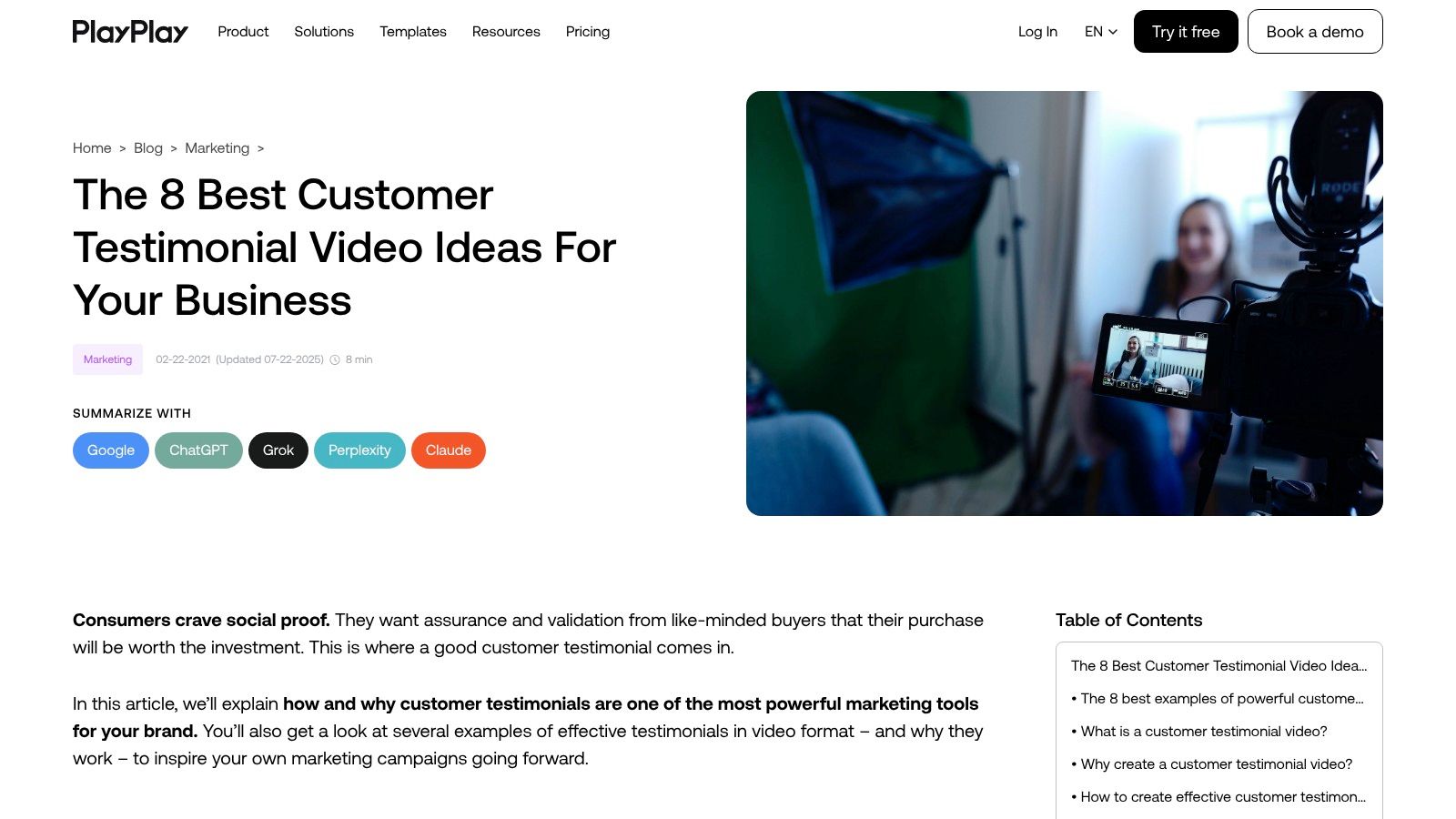
PlayPlay is a strong choice for teams that don't want a massive archive. Its tighter selection keeps the focus on current, modern examples and practical creative takeaways.
That narrower scope is helpful when speed is the primary issue. If your team needs to ship a testimonial campaign this quarter, you don't need endless inspiration. You need a short list of formats that work right now, especially for short-form distribution on social and mobile landing pages.
Why its tighter selection helps
The best thing about PlayPlay is reduction. Fewer examples mean faster decisions.
- Current framing: The examples and advice feel better aligned with social-first editing.
- Clear explanation: Each pick has a readable reason behind it.
- Less analysis paralysis: Teams can move from research into scripting quickly.
That's increasingly important because ultra-short testimonial editing is becoming its own discipline. Recram's report on emerging 2025 to 2026 trends says there's a shift toward micro-testimonials in the 15 to 30 second range for mobile-first landing pages, while 62% of users scroll past videos longer than 30 seconds on social platforms. If your traffic is mobile-heavy, that should shape your edit before you ever hit publish.
Mini-template to copy
For a short-form social cut, use this structure:
- Speaker name and role
- Problem in one sentence
- Outcome in one sentence
- Recommendation or reaction line
A short testimonial works when every line carries new information. If two lines say the same thing, cut one.
The trade-off is category fit. PlayPlay's list is modern and practical, but it isn't as SaaS-heavy as more B2B-focused roundups. If your audience is technical, you may need to adapt the examples rather than copy them closely.
6. Feedspace
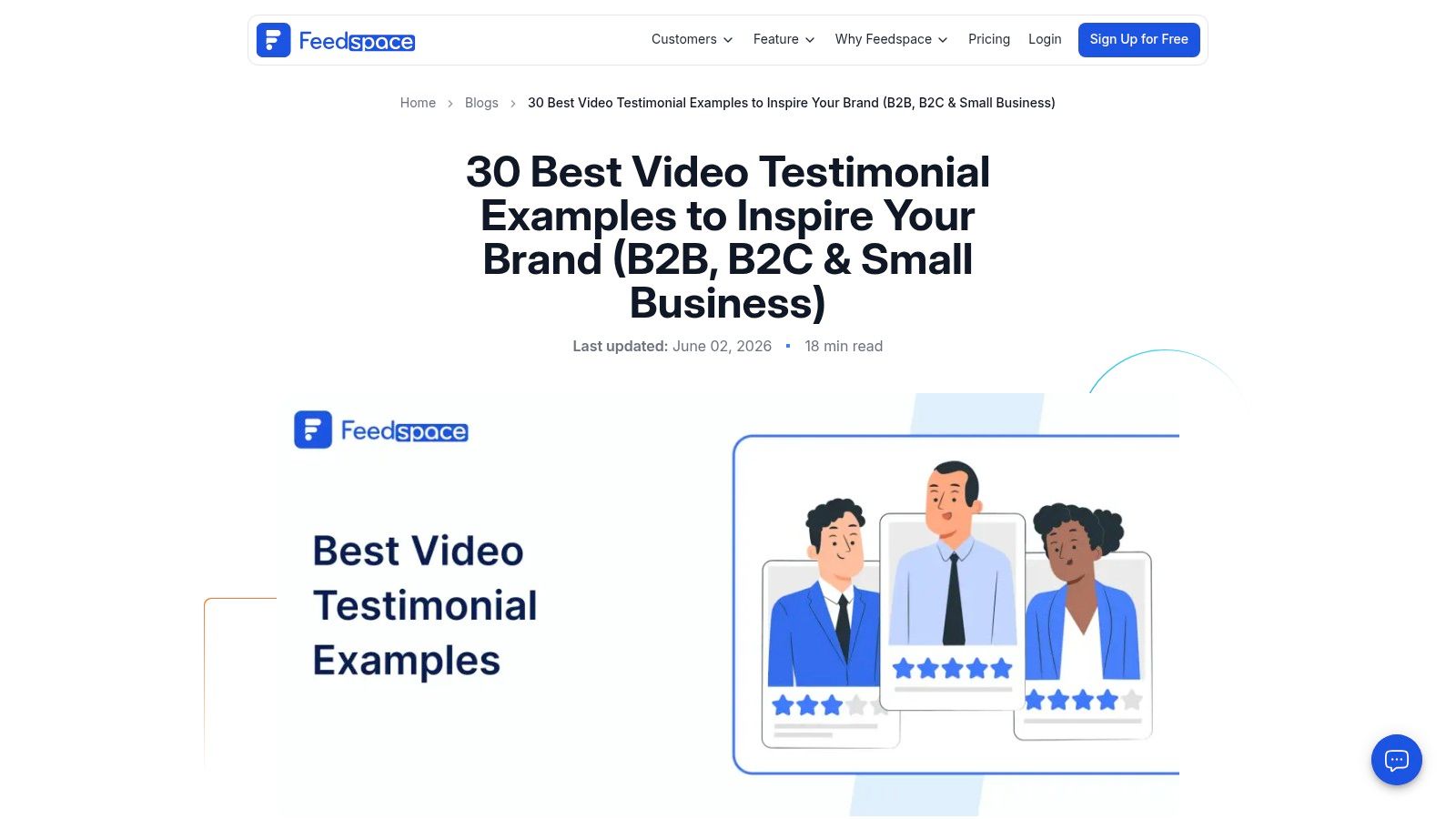
Feedspace stands out because its examples feel close to how many companies publish testimonials now. That includes not just the clip itself, but the placement logic around testimonial sections, galleries, and dedicated proof pages.
This matters more than teams think. A good testimonial can underperform if it lives on an isolated page nobody sees. Publication strategy is part of the example. Feedspace is useful when you want inspiration for how to group testimonials, frame before-and-after stories, and create a more browsable proof experience.
What to borrow from it
Feedspace is strongest on presentation patterns.
- Before-and-after framing: Buyers need to understand what changed, not just that the customer is happy.
- Page-level thinking: Testimonial sections, not just standalone videos, drive more consistent trust.
- Cross-vertical cues: Useful if you market to more than one kind of customer.
Placement matters because video proof works best near the decision point. According to Trustmary's roundup of video testimonial performance, adding video testimonials to a landing page can increase conversion rates by up to 80%, and it cites client evidence showing sales increases after placing a single video testimonial on the checkout page. The practical takeaway is simple. Put the right testimonial where hesitation peaks.
Mini-template to copy
For a landing page or service page embed, match the script to the page promise:
- Problem tied to the page topic
- Why this solution fit
- Observed result
- Short endorsement
The caution with Feedspace is tone. Some editorial commentary can feel promotional, so you'll want to judge each example on its own quality rather than assume every featured clip is worth modeling.
7. VouchWall
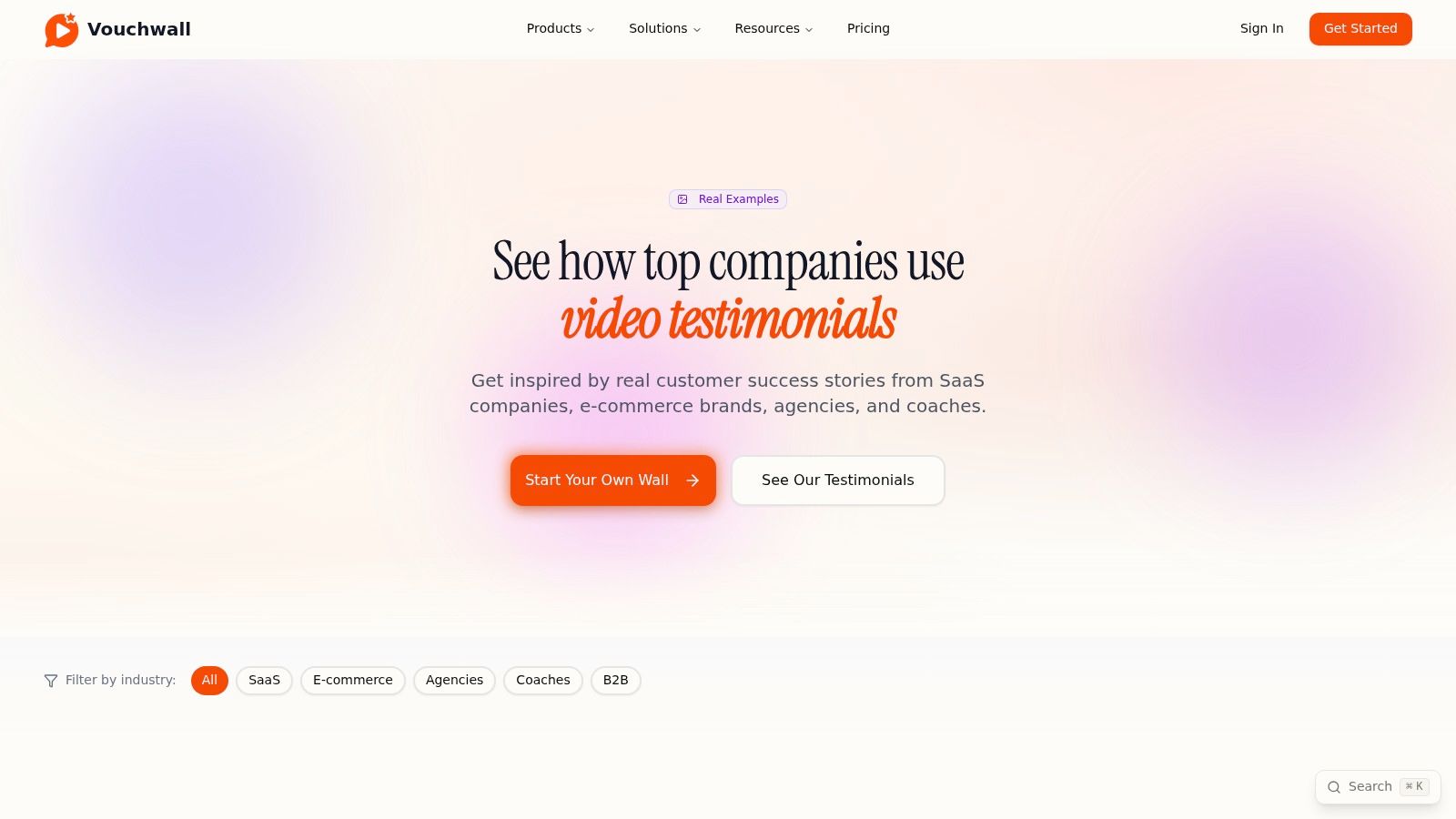
VouchWall is less about article-style inspiration and more about information architecture. That's useful when your problem is no longer “How should the video sound?” but “How should buyers browse our proof?”
Its examples are organized by theme, including industry and outcome. That organization model is smart because buyers scan for relevance first. If they can find a customer that looks like them, they'll give the clip more attention.
A similar publishing approach works well with a dedicated Wall of Love because it turns scattered testimonials into a structured proof library instead of a random page of embeds.
Why the UX matters
VouchWall is a reminder that testimonial examples are also navigation examples.
- Thematic grouping: Easier for buyers to self-select into relevant stories.
- Result-led headlines: Makes each clip easier to evaluate before clicking.
- Hub-style browsing: Better than burying testimonials in an undifferentiated feed.
This is especially helpful for companies with several buyer types. A generic testimonial page asks too much from the visitor. A categorized one reduces cognitive load and shortens the path to “this applies to me.”
Mini-template to copy
Label each testimonial in your hub with four fields:
- Customer type
- Primary problem
- Main outcome
- Recommended use case
One practical constraint remains. VouchWall's sample size is smaller than the long-form blog roundups above. It's better for studying structure and page organization than for collecting a huge range of production inspiration.
Top 7 Video Testimonial Platforms Comparison
| Example | 🔄 Implementation complexity | ⚡ Resource / Efficiency | 📊 Expected outcomes | 💡 Ideal use cases | ⭐ Key advantages |
|---|---|---|---|---|---|
| ZenX Testimonials | Low, one-line embed; immediate setup | High ⚡, built-in capture & automation; some human oversight | High 📊, more testimonial volume, faster moderation, conversion & SEO lift | SaaS, e‑commerce, agencies, local businesses, course creators, healthcare | Unified video-first collection; AI curation; exportable data; live support |
| Vidico | Very low, curated article; no tooling required | Low ⚡, fast to scan; production still needed to replicate | Medium 📊, clearer scripts, story beats, pacing improvements | Teams scripting testimonial videos and planning narrative structure | Curated examples with production notes; emphasis on story beats and pacing |
| Content Beta | Very low, large gallery to browse | Low ⚡, research-efficient; production required for assets | Medium–High 📊, find SaaS analogs; repurposing tips boost asset ROI | SaaS/product-led teams looking to repurpose testimonial content | SaaS/B2B focus; funnel placement and repurposing guidance |
| Wyzowl | Very low, large embedded sample set | Low ⚡, quick benchmarking; production still required | Medium 📊, identify universal patterns and scripting tradeoffs | Teams choosing production level vs authenticity; style benchmarking | Large sample size; highlights benefits, metrics, and scripting styles |
| PlayPlay | Very low, tight curated selection | High ⚡, quick to act on for short-form edits | Medium 📊, actionable social-first cuts; reduced analysis paralysis | Social-first teams and short-form editors | Recent examples; focused selection with clear explainers |
| Feedspace | Very low, recent compilation (2026) | Low ⚡, modern style cues; may need quality checks | Medium 📊, modern creative norms and placement strategies | Teams planning testimonial pages and widget layouts | Timely examples; conversion-oriented framing across verticals |
| VouchWall | Low–Moderate, live gallery / in-product examples | Moderate ⚡, demonstrates widget/IA patterns (some implementation effort) | Medium 📊, improved hub UX and emphasis on measurable results | Product/UX teams building testimonial hubs or "Wall of Love" pages | Thematic grouping; real in-product presentation patterns and headlines |
From Examples to Execution
How do you turn a few good video testimonial examples into a system your team can run every month?
The shift is operational. Strong testimonials usually break down at three points: the ask happens too late, the customer gets too little guidance, or the finished clip never reaches a page where buying decisions happen. A usable process fixes all three.
Start with timing and structure. Ask right after a visible customer win, while the details are still specific. Then give people a light script instead of a blank prompt. SaaSpirin's guidance on testimonial video examples recommends a two to three minute format when you want enough room for a fuller story, and it also suggests tracking views, engagement rate, click-through rate, conversion rate, and social shares after publication. That measurement framework is important because testimonial content should be judged by response and conversion impact, not by the mere act of collecting it.
Length depends on placement. GetProofz's comparison of video and text testimonials argues that shorter testimonial videos often perform well on landing pages and recommends a simple five-part structure: Name or Company, Problem, Why You, Result, and Recommendation. That structure gives marketing teams a practical default. It keeps the customer focused on the decision journey instead of drifting into vague praise.
Use this workflow:
- Ask fast: Send the request soon after a result the customer can clearly describe.
- Keep recording easy: Use an in-browser recorder so customers can respond without extra setup.
- Guide the story: Prompt for the problem, the reason they chose you, and the outcome.
- Edit for distribution: Cut one version for landing pages and paid campaigns, then keep a longer version for sales follow-up or case-study pages.
- Publish where intent is high: Place testimonials on pricing pages, service pages, homepage sections, and dedicated proof hubs.
- Measure and refine: Track engagement, clicks, and conversions, then adjust format, length, and placement.
This is the part teams often skip. Collection is only half the job. The key gain comes from building a repeatable workflow for capturing proof, turning it into multiple cuts, and publishing it in places that influence pipeline.
As noted earlier, ZenX fits that workflow well because it combines collection and publishing. You can gather video, audio, and text feedback in one system, then organize it into embeds and a searchable proof library. That setup makes testimonials easier to request, easier to reuse, and easier to measure over time.
If you want to stop chasing testimonials through email threads and start publishing them where they support revenue, try ZenX Testimonials. It gives you browser-based video capture, review imports, embeddable widgets, and a practical way to build a branded social-proof hub without heavy setup.
Written by
Sunil
ZenX Testimonials
Sunil writes about reviews, testimonials, and the everyday work of earning customer trust.